agents.design.bio
A multi-agent assistant for biological design. Three specialized agents help you design, cultivate, and financially model bio-based materials — starting with bacterial cellulose. Each agent draws on its own knowledge base and tools; you can talk to them individually or let the system route your question automatically.
@ to open the mention menu and select an agent — or type @designer, @farmer, or @cfo followed by your question.@designer.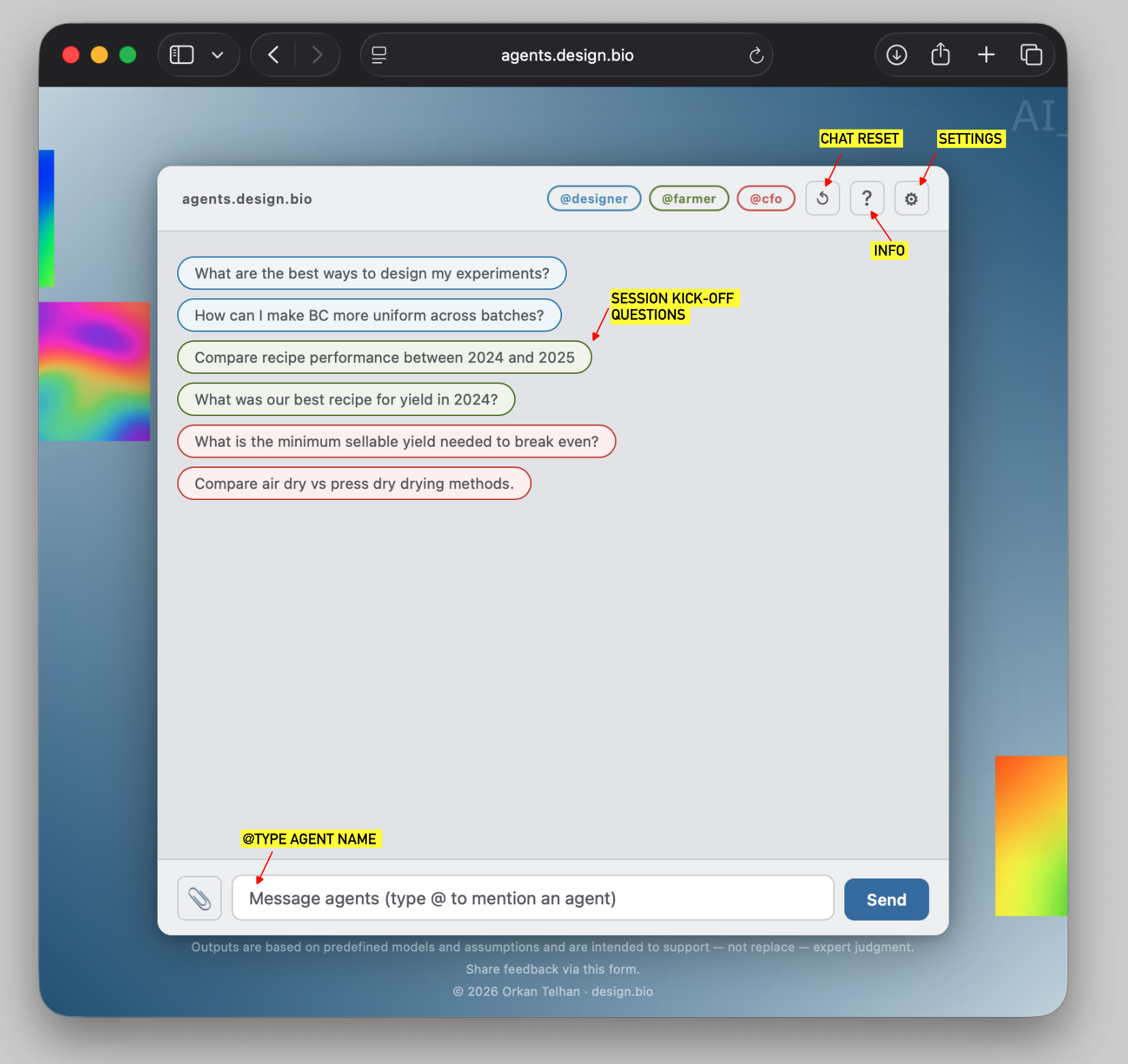
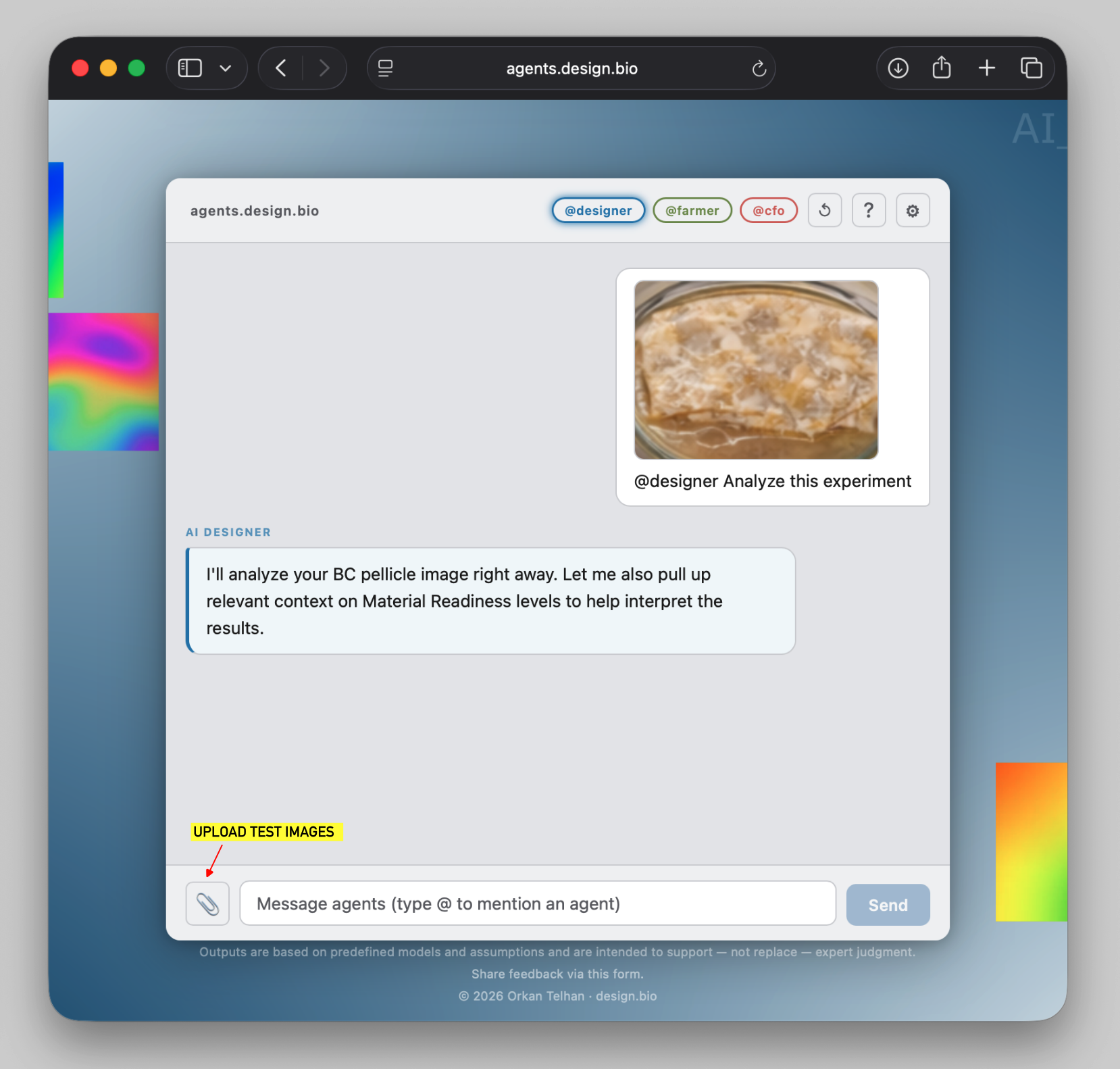
Advises on bacterial cellulose material design — from cultivation parameters and post-processing to quality criteria and design applications. Can also analyze images of BC pellicles to estimate mechanical properties.
- Answers questions about BC properties, drying methods, surface treatments, and plasticizers
- Evaluates material against readiness levels (MR-1 through MR-3)
- Recommends experiment designs (DoE) to improve target properties
- Analyzes uploaded pellicle images: estimates tensile strength, elongation, stiffness, and uniformity — image analysis is powered by machine learning models hosted on Replicate
- The app ships with a test model — download test_images.zip to try it out
- Draws from an uploadable knowledge base of design criteria and research notes
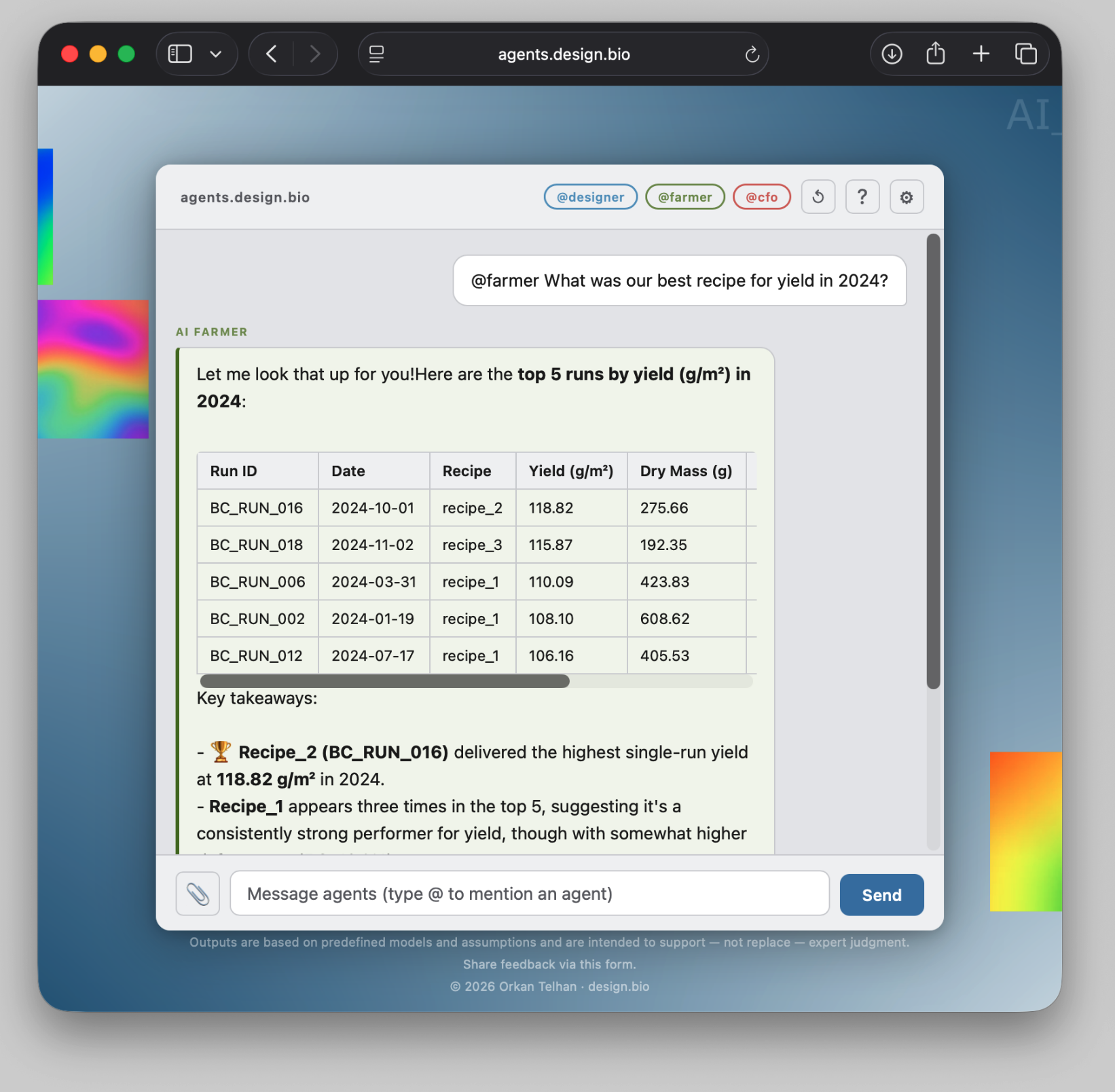
Analyzes your production records — runs and treatment logs — to surface patterns, compare recipes, and identify what drives yield and quality. Connects directly to your Google Sheets data.
- Queries and filters production data by date, recipe, or treatment
- Ranks runs by yield, contamination, or any metric
- Identifies which variables (temperature, media, inoculum) most influence yield
- Detects anomalies and outliers in the dataset
- Compares performance between time periods or recipe groups
- Generates summary tables and trend analyses
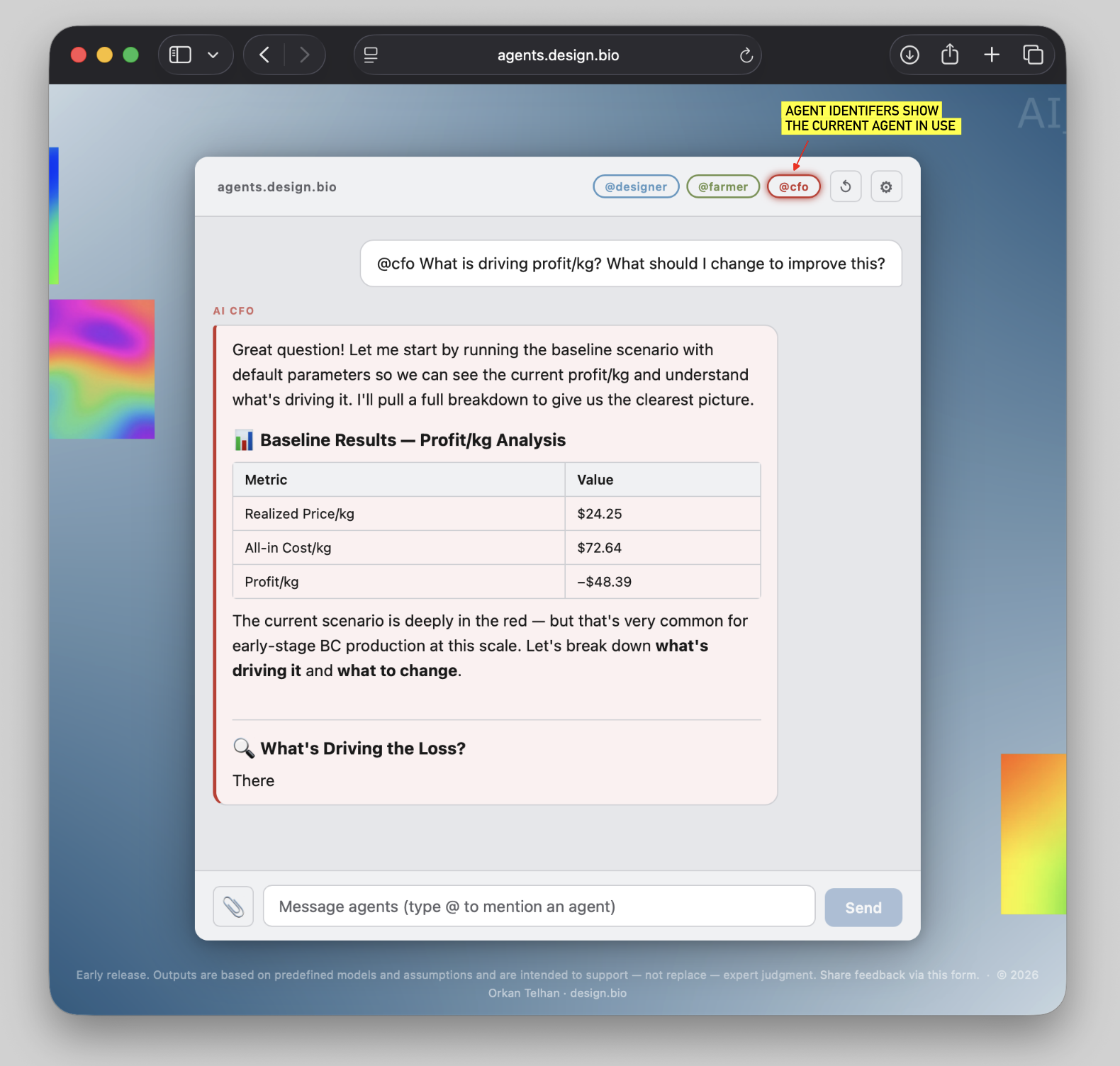
Runs techno-economic scenarios for BC production. Given parameters like capacity, market mix, costs, and treatment methods, it computes revenue, EBITDA, net income, profit per kg, 5-year NPV, and payback period.
- Models production at any scale with configurable capacity and utilization
- Supports three market segments: fashion, automotive, and upholstery
- Accounts for contamination and drying losses, quality grading, and treatment costs
- Calculates NPV, ROI, and payback period
- Runs sensitivity analyses ("what if I change X?")
- Compares scenarios side by side (e.g. air dry vs. press dry)
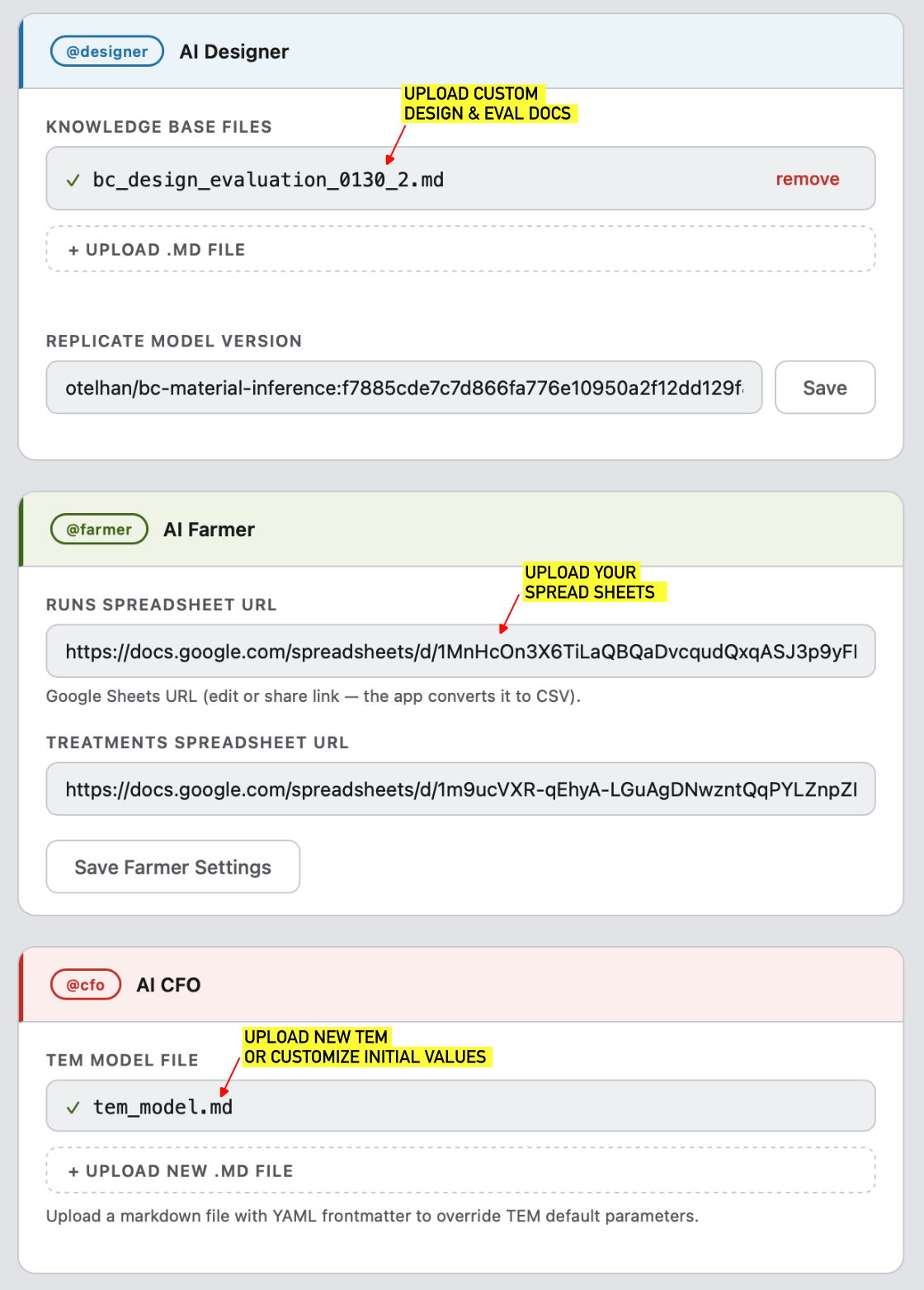
.md knowledge base files containing design criteria, research notes, or material specs. Also configure the Replicate model version used for pellicle image analysis..md file with YAML frontmatter to override the default techno-economic model parameters (capacity, prices, costs, etc.). If no file is uploaded, built-in defaults are used.